Retrieving Bank Data
Note
Make sure that the Bank Statements tab is displayed (see Adapting Navigation Bar), and that the button Retrieve is available on the Bank Statement list view (see Enabling Bank Statement Download).
You can retrieve banking transactions from the bank accounts subject to a specific EBICS bank account credential in the status Active for a specific period.
- Open the Bank Statements tab.
- Click Retrieve.
-
Select the relevant EBICS bank account credential and define the period for which you want to retrieve the transactions.
JustOn Cash Management can retrieve banking data up to the day before the current date.
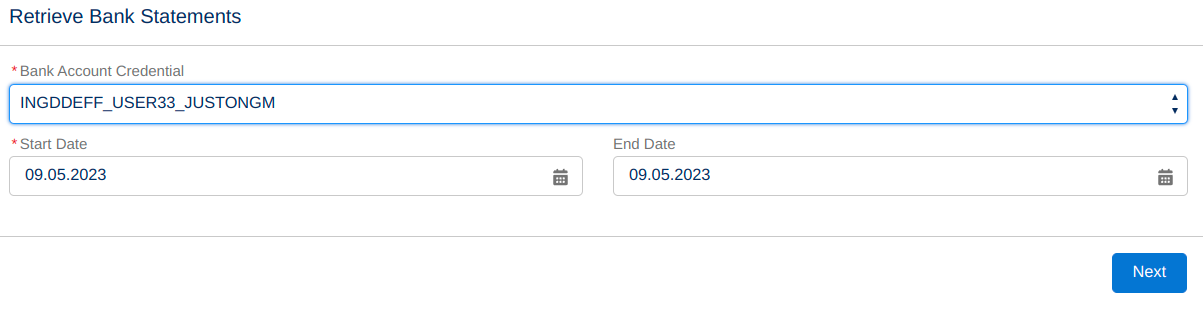
Configuring bank statement retrieval -
Click Next.
This retrieves the banking transactions for the bank accounts subject to the selected EBICS bank account credential and the specified period from the bank.
As part of the process, JustOn Cash Management automatically associates
- existing payment records (as related to entries) and refund records with matching bank statement items (from the original bank account and according to the end-to-end ID), or
- retrieved bank statement items (and corresponding new payment records) with matching entries through data comparison based on active matching configurations.
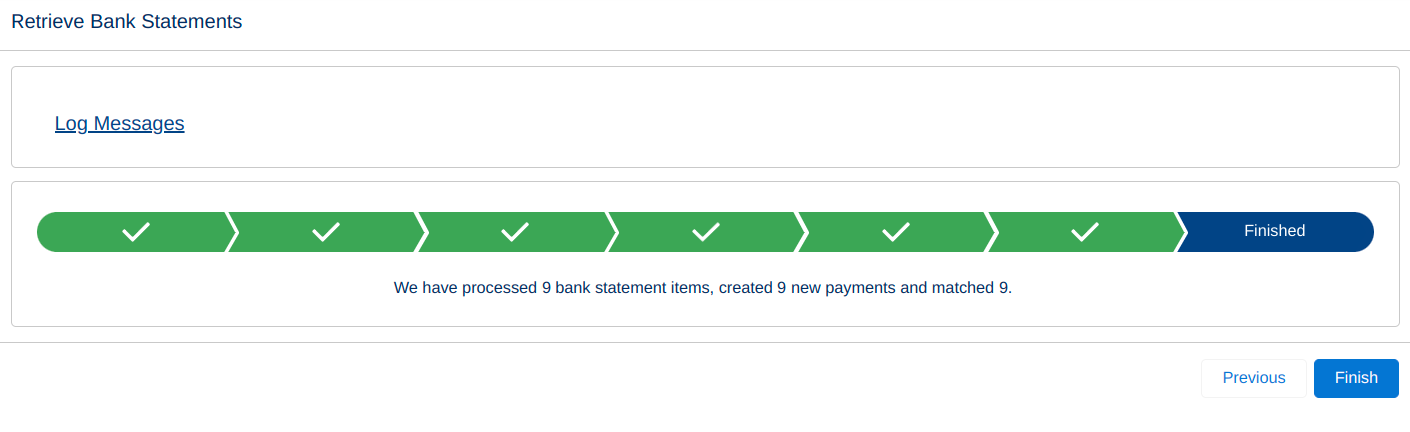
Bank statement retrieval confirmationClicking Finish returns you to the downloaded bank statements on the Bank Statements tab.
-
Review the matching and settlement results.
For details, see Reviewing Automatic Settlement Results.